Access the Teams tab in the sidebar.
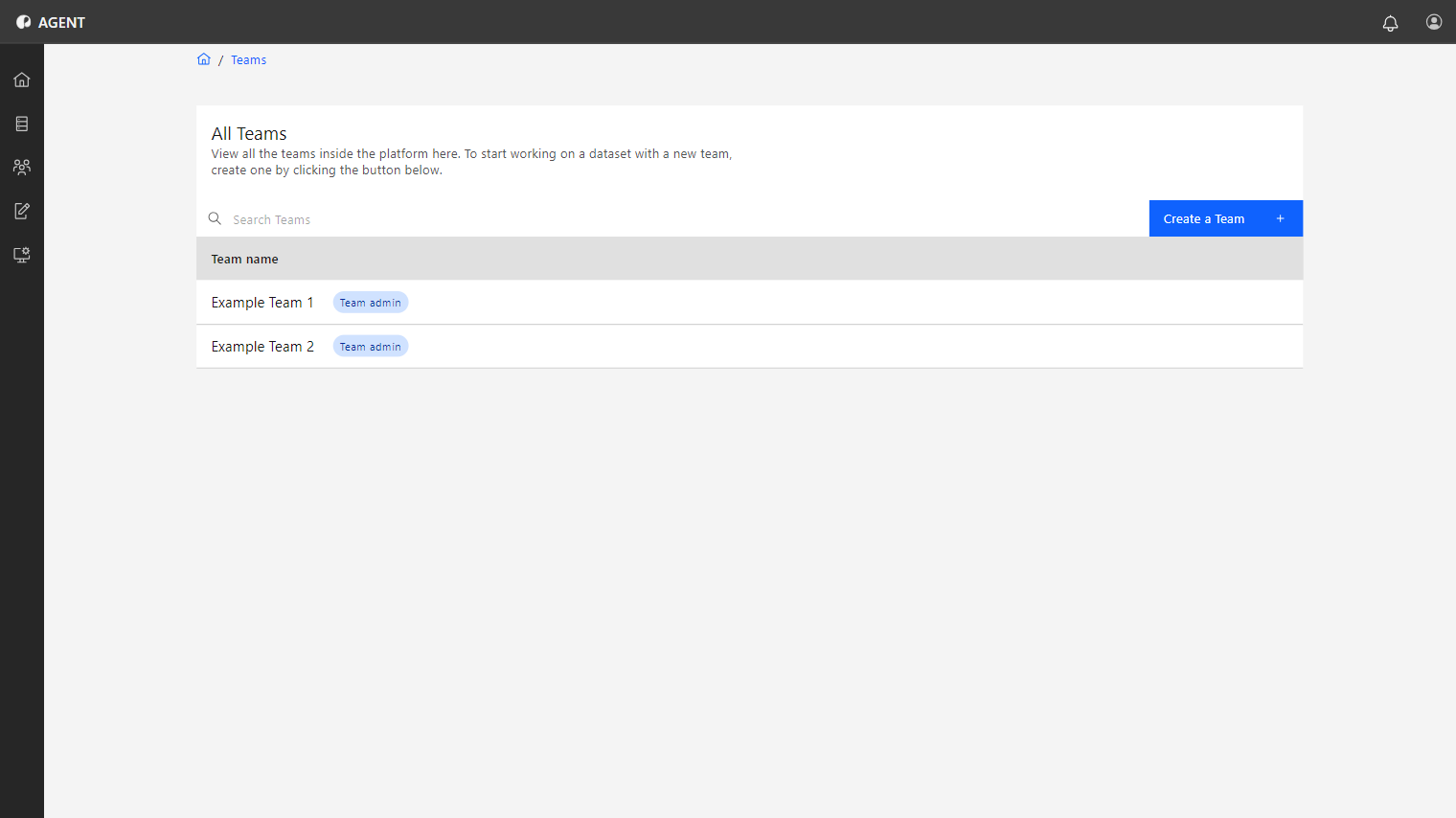
Teams are groups of users managed by the Team Admin, that receive access to datasets and a Privacy Budget to perform data analysis.
Users who create a team obtain the Team Admin role for this particular team.
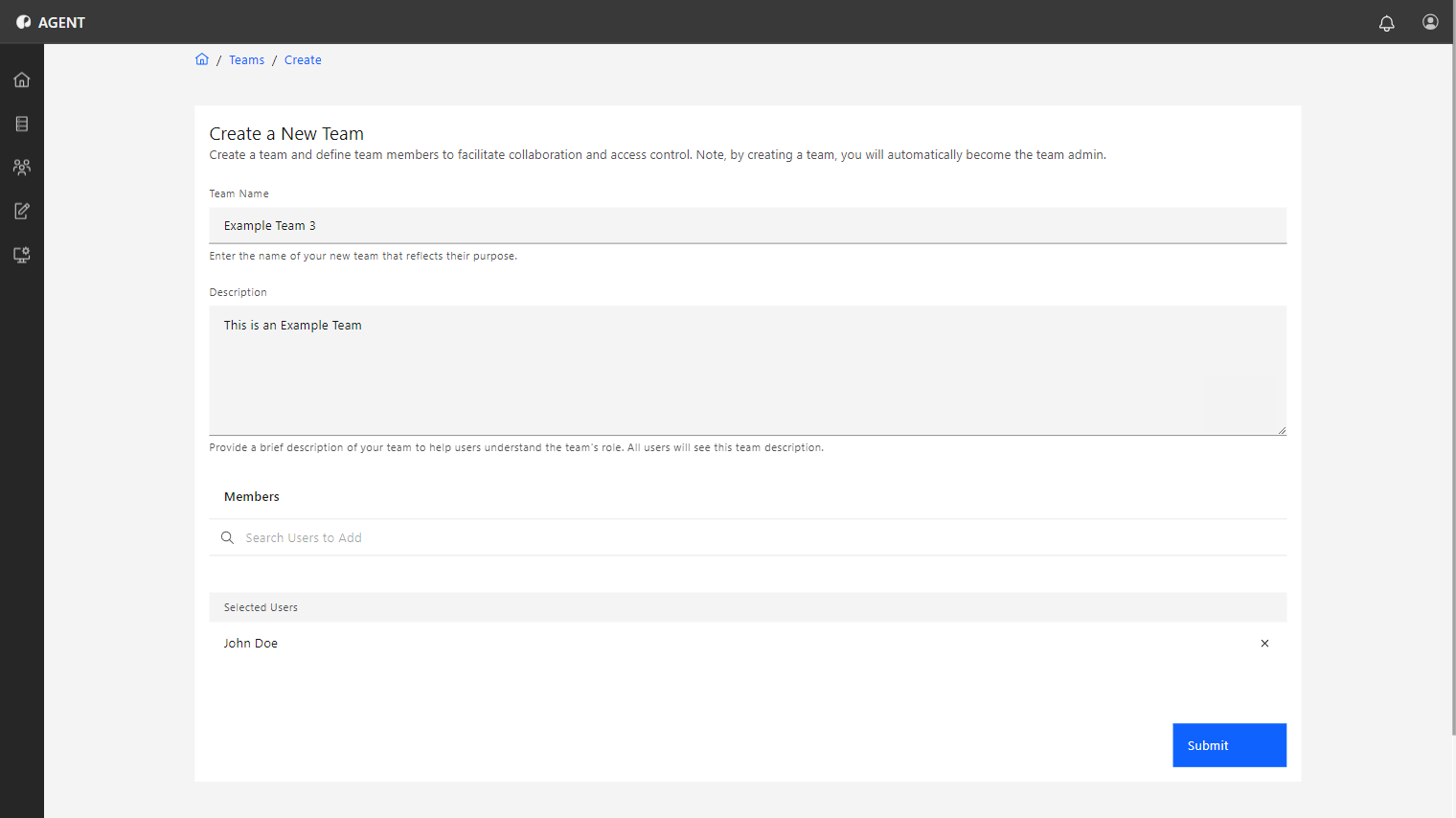
To create a team, follow the steps below:
The name of the team.
A description of the team that other users will see.
The newly created team should be displayed in the Teams list. The Team Admin tag indicates that you possess the Team Admin role for that team.